SaaS Onboarding UX: How to Turn New Users Into Active Customers in 2026
Getting someone to sign up for a SaaS product is only the beginning. The real challenge is helping that user understand the product, experience its value, and successfully complete the actions that matter.
This is where SaaS onboarding UX becomes critical.
A well-designed onboarding experience reduces confusion, guides users toward meaningful actions, and helps them understand why the product deserves a place in their workflow.
In 2026, effective onboarding is becoming more contextual, personalized, and focused on helping users reach value faster rather than simply showing them every available feature.
What Is SaaS Onboarding UX?
SaaS onboarding UX is the experience that helps new users understand and start using a software product successfully.
It can include:
- Account creation
- Workspace setup
- Preference selection
- Welcome screens
- Product tours
- Interactive walkthroughs
- Empty states
- Checklists
- Contextual tips
But onboarding should not simply explain the interface. Its real purpose is to help users accomplish something valuable.
Why SaaS Onboarding Matters
Users often evaluate a new product within their first few interactions.
If the experience feels complicated, confusing, or demanding, users may leave before discovering what makes the product useful.
Good onboarding creates clarity. It answers three important questions:
- What can I do with this product?
- What should I do first?
- How will this help me?
The easier those answers are to discover, the easier it becomes for users to move forward confidently.
Reduce Time to Value
One of the most important SaaS onboarding metrics is time to value: how quickly a new user experiences a meaningful benefit from the product.
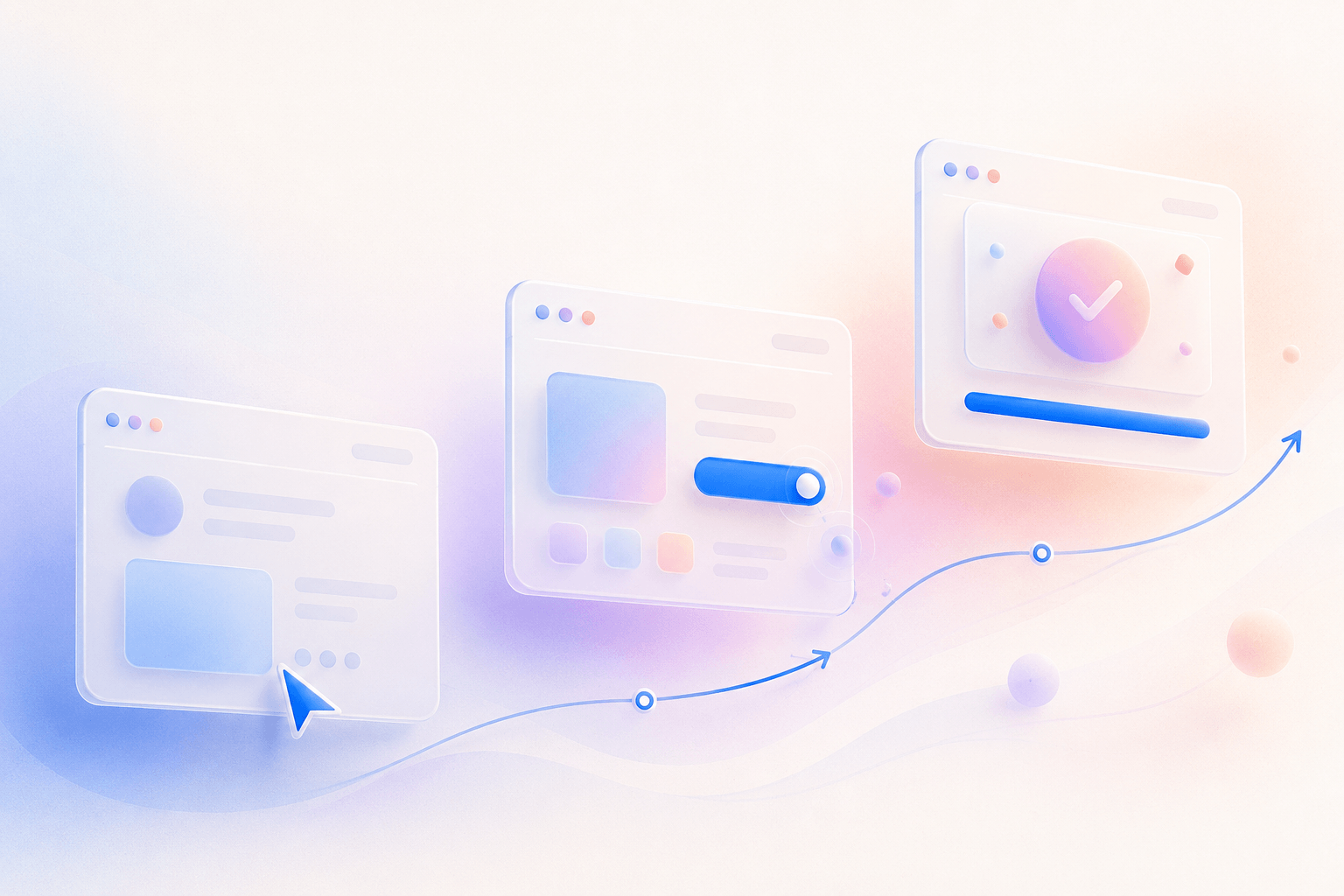
Instead of introducing every feature, identify the shortest path between signup and the user's first meaningful outcome.
For a project management platform, that might be creating the first project. For an analytics product, it might be connecting a data source and viewing the first report.
Design the onboarding experience around that moment.
Understand User Goals First
Different users may sign up for the same SaaS platform for completely different reasons.
Before showing tutorials, consider asking one or two useful questions about the user's role, goal, or intended workflow.
This information can help personalize the experience without creating a long setup process.
The objective is simple: understand enough about the user to guide them toward relevant value.
Simplify the Signup Experience
Onboarding friction often begins before users even enter the product.
A signup form asking for unnecessary information can create an immediate barrier.
Keep initial signup requirements minimal. Ask only for information necessary to create the account and move additional configuration to later stages when appropriate.
Every unnecessary field creates another opportunity for abandonment.
Use Progressive Onboarding
Users rarely need to understand an entire SaaS platform on day one.
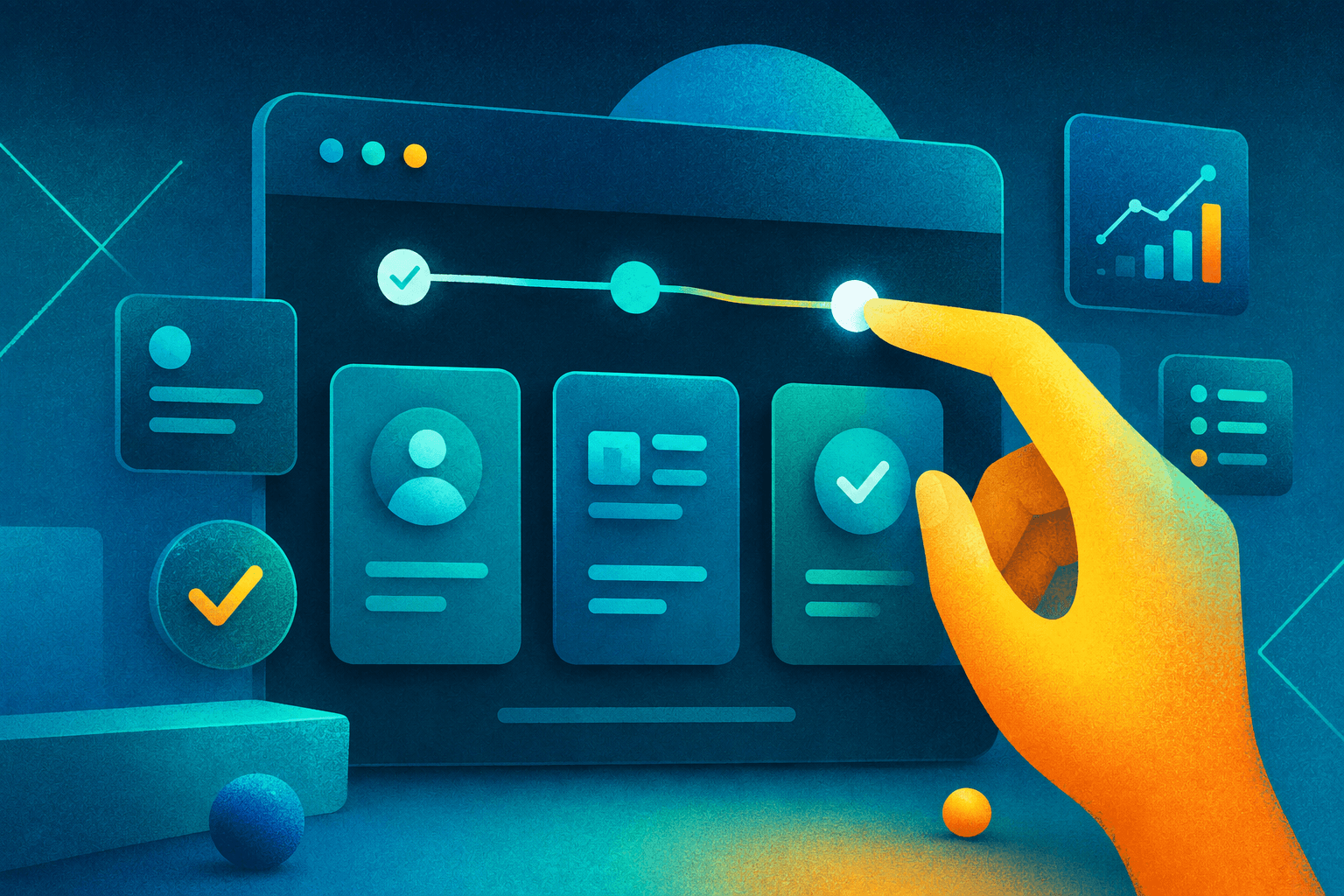
Progressive onboarding introduces functionality gradually as it becomes relevant.
Instead of displaying a long product tour, provide contextual guidance when users encounter a feature for the first time.
This keeps the interface focused while allowing users to learn naturally through interaction.
Design Helpful Empty States
New SaaS accounts often contain dashboards, tables, reports, and workspaces with no data.
These empty states are valuable onboarding opportunities.
A useful empty state should explain what belongs in the area and provide a clear next action.
For example, an empty project dashboard could encourage the user to create their first project rather than simply displaying “No projects found.”
Use Product Tours Carefully
Product tours can be helpful, but forcing users through a long sequence of tooltips is rarely the best experience.
Keep tours short and focused on essential actions.
Whenever possible, allow users to skip, dismiss, or revisit guidance later.
Learning by completing real tasks is generally more useful than passively reading feature descriptions.
Personalize the Experience
A marketing manager, developer, administrator, and business owner may use the same SaaS product very differently.
Role-based onboarding can help each user discover the tools most relevant to their needs.
Personalization might influence:
- Recommended actions
- Dashboard configuration
- Templates
- Product tips
- Feature recommendations
The goal is not personalization for its own sake. It is reducing irrelevant information.
AI-Powered SaaS Onboarding
AI is creating new opportunities for more adaptive onboarding experiences.
Instead of giving every user the same walkthrough, AI-assisted products can potentially provide contextual recommendations based on user goals, actions, and product usage.
AI can support onboarding through smarter search, conversational assistance, contextual suggestions, workflow recommendations, and automated setup.
However, AI should reduce complexity rather than introduce another layer users need to understand.
Design Onboarding for Mobile
Complex desktop onboarding flows often translate poorly to smaller screens.
Mobile onboarding should prioritize essential actions, shorter forms, clear hierarchy, and comfortable touch targets.
Avoid transferring every desktop instruction directly into the mobile experience.
Instead, design around the user's mobile context and the actions they are most likely to perform.
Measure Onboarding Success
Good onboarding should be measured through user behavior rather than visual polish alone.
Useful signals may include:
- Signup completion
- Activation rate
- Onboarding completion
- Time to first meaningful action
- Feature adoption
- Early retention
- Drop-off points
These insights help product teams identify where users struggle and where the experience should be improved.
Common SaaS Onboarding Mistakes
Some onboarding patterns create more friction than value.
- Explaining too many features immediately
- Using long mandatory product tours
- Requesting unnecessary information
- Showing empty dashboards without guidance
- Using the same onboarding for every user role
- Ignoring mobile experiences
- Optimizing for onboarding completion instead of user success
The best onboarding experience often feels less like a tutorial and more like a natural introduction to the product.
How Innowink Designs SaaS Onboarding
At Innowink, we approach SaaS onboarding as part of the complete product experience rather than an isolated set of welcome screens.
Our process focuses on:
- Understanding user goals
- Mapping key activation journeys
- Reducing unnecessary steps
- Designing clear information hierarchy
- Creating contextual guidance
- Designing for multiple user roles
- Testing responsive experiences
- Building scalable design systems
The goal is to help users understand the product naturally and reach meaningful outcomes with less friction.
Final Thoughts
SaaS onboarding is not about teaching users every feature.
It is about helping them experience value as quickly and confidently as possible.
In 2026, successful SaaS products will increasingly focus on contextual guidance, progressive learning, personalization, and shorter paths to meaningful outcomes.
When onboarding feels simple, users can spend less time learning the interface and more time benefiting from the product.
Building or Improving a SaaS Product?
Innowink helps startups and growing businesses design intuitive SaaS products, dashboards, onboarding experiences, and scalable design systems.
We combine UX strategy, product design, and modern development thinking to create digital experiences people understand and enjoy using.